
Interactive library
Books, characters and concepts gain new layers of exploration through augmented reality.
Explore the project →
Discover the projects and follow the access instructions for each experience. In LumiAR, prepare a reference image and point the camera at it to reveal the content.
Books, characters and concepts gain new layers of exploration through augmented reality.
Explore the project →
An augmented reality experience for exploring museums, planets and historical settings on a phone, as presented in our brochure.
Explore the project →An augmented reality experience in an app. The camera recognises reference images and displays the digital content associated with them.
Open LumiAR and point the camera at one of the images below. You can display it on another screen or download and print it, keeping the whole image without cropping.
Reference image for recognising the experience in the app.
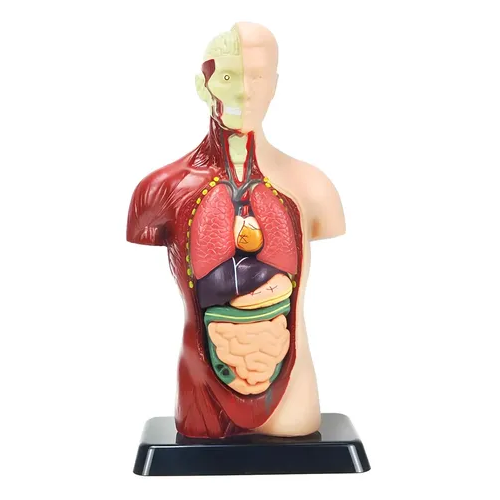
Reference image for recognising the experience in the app.