EN
Samambaia StudioIMMERSIVE EXPERIENCES

Beyond the screen.
Inside the story.

In your browser, through an app or in virtual reality. Choose how to explore Samambaia's worlds.

01 / AUGMENTED REALITY

The real world.
New discoveries.

Augmented reality combines what the camera sees with digital elements, such as objects and 3D models. Discover two ways to explore Samambaia's experiences.

IN YOUR BROWSER

WebXR

Immersive experiences on the web, without installing a dedicated app. WebXR lets you explore augmented reality on compatible browsers and devices.

Open Samambaia AR on itch.io and follow the experience's instructions to get started.

Explore Samambaia AR ↗Augmented reality availability depends on your device, browser and camera access.

IN THE APP

App LumiAR

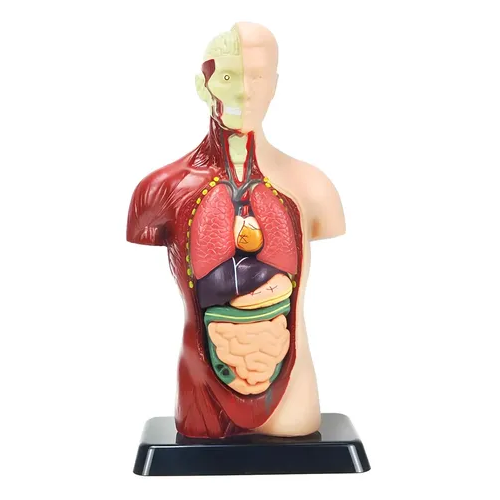
An augmented reality experience in an app. The camera recognises reference images and displays the digital content associated with them.

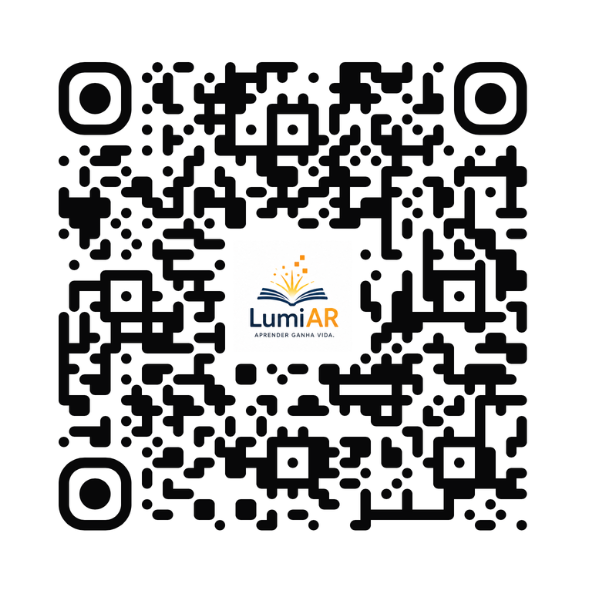
QR code to access the LumiAR app

Start with the QR code.

Scan it with your phone's camera to access the app.

Enlarge QR code ↗
View recognition images ↓
LUMIAR APP / REFERENCE IMAGES

One image.
The start of the experience.

Open LumiAR and point the camera at one of the images below. You can display it on another screen or download and print it, keeping the whole image without cropping.

HOW TO USE THE APP
  1. Open LumiAR.Use the QR code above and follow the access instructions.
  2. Prepare the image.Open one of the reference images on another screen or print it.
  3. Point and explore.Allow camera access and frame the whole image in a well-lit place.
02 / VIRTUAL REALITY

The kingdom of Amis
is waiting for you.

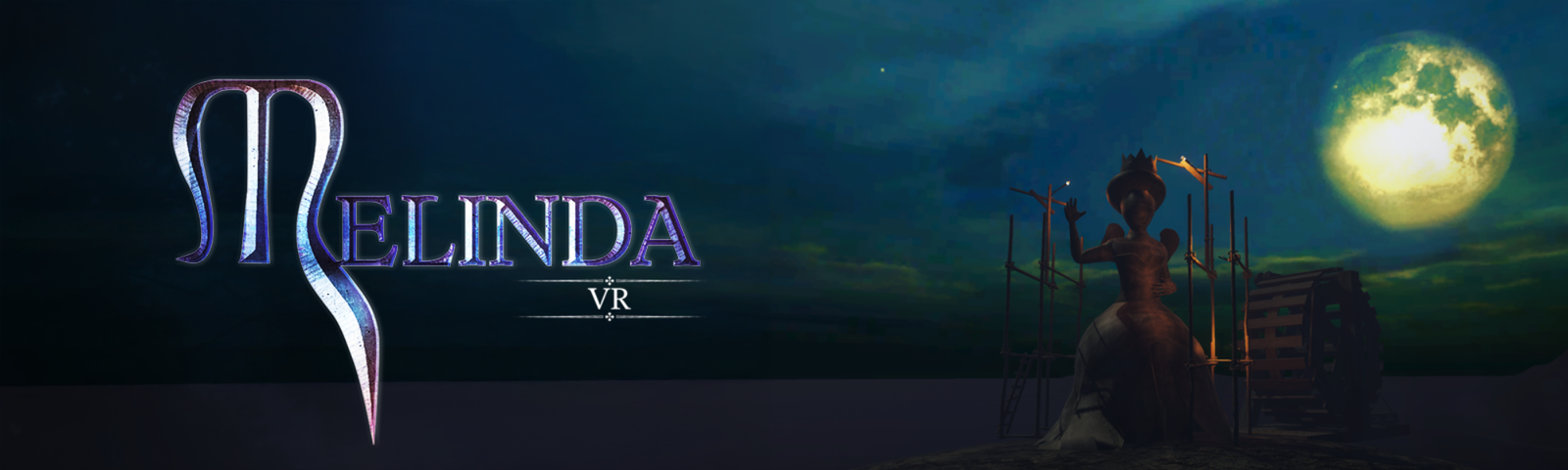
Melinda VR brings Samambaia's fantasy to a virtual reality experience. Discover the story, see the images and find out how to access the game.

Explore Melinda VR
Melinda VR artwork
LET'S CREATE TOGETHER

A new reality
for your idea.

Talk to the studio